
TikTok to MP4, right from the video.
A Download button beside every video and photo post on tiktok.com. Videos save as MP4 with sound, photo posts and slideshows as images in order, straight to your computer.
Add to Chrome · FreeFree. No account for this tool.
For your own posts or ones you have permission to reuse.
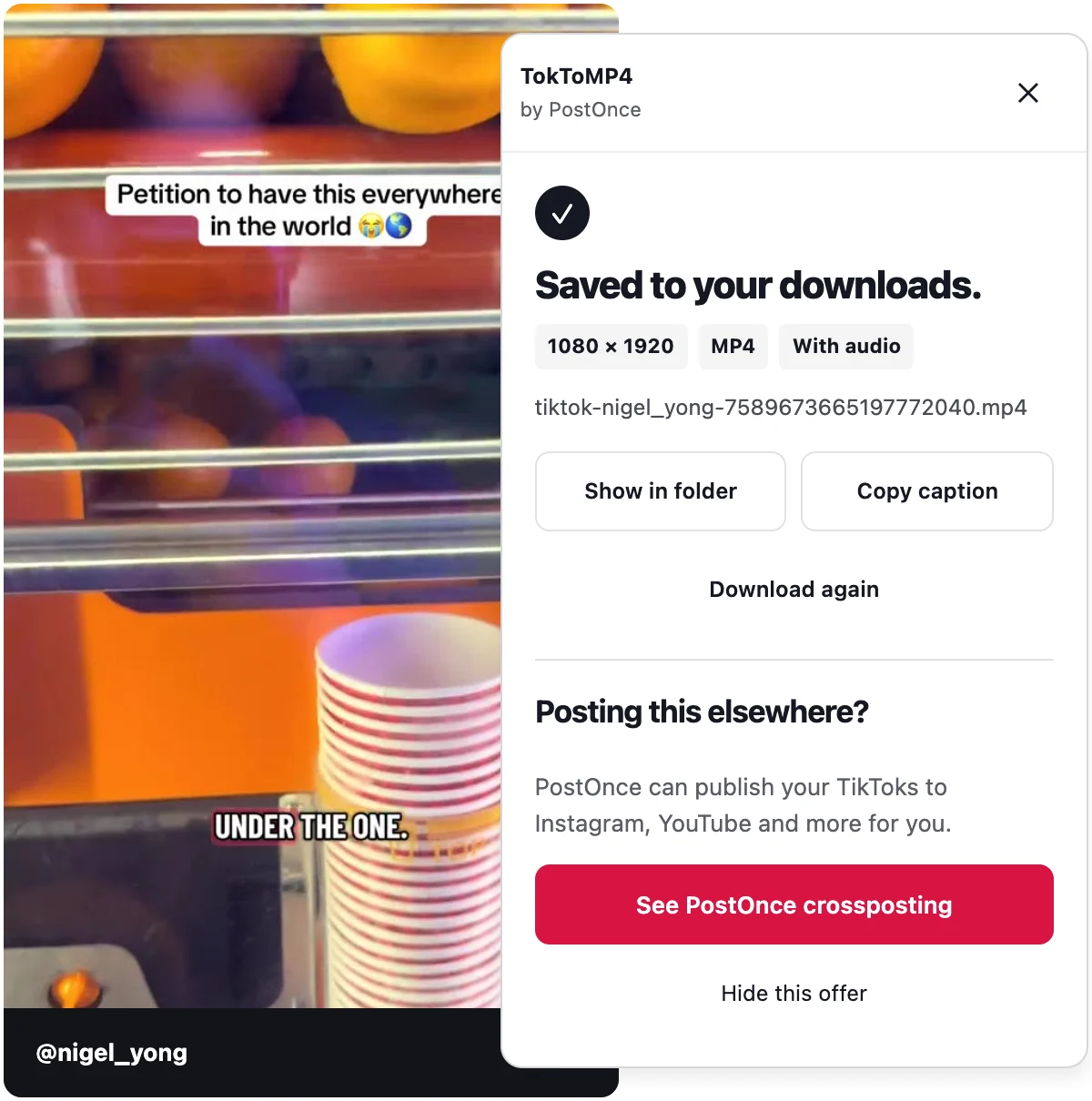
How to use TokToMP4
- Add TokToMP4 to Chrome.
- Open TikTok in Chrome. Signing in is optional.
- Click Download under Share on any video or photo post.
What you get
The best quality TikTok offers.
Up to 1080p when TikTok serves it, paired with the post's best sound. The panel shows the exact resolution of every file.
Photo posts save in order.
Every image of a photo post or slideshow, numbered in the order it appears.
Nothing re-encoded.
It saves the file TikTok's web player streams, combining picture and sound when TikTok sends them separately.
Downloading to post it somewhere else?
PostOnce can publish each new TikTok to your other accounts without downloading it again.
Before you install
Which posts does it save?
Single videos and photo posts on tiktok.com in desktop Chrome. LIVE streams, Stories, bulk profile downloads and private posts you can't open are not supported.
What quality will I get?
The highest-quality version TikTok's website offers for that post, with its best audio. That is 1080p for many popular videos and 720p or lower for others. The panel shows the saved resolution after every download.
Does it change the video?
No. It saves the file TikTok's web player streams, combining picture and sound when TikTok sends them separately. Nothing is re-encoded, edited or removed.
TikTok asked me to confirm I'm human.
Complete TikTok's check in the tab yourself, then press Try again in the panel. The extension never solves or skips it.
Does saving send anything to PostOnce?
No. Downloads happen in your browser and stay on your computer. Opening PostOnce is a separate choice and doesn't upload the file or connect an account.