
How to download a TikTok slideshow
- Open the slideshow in the TikTok app or on tiktok.com.
- Tap Share, then Copy link. Short vm.tiktok.com links work too.
- Paste the link into the box above.
- Press Download.
- Save each slide, then save the soundtrack audio file.
That gives you the full slideshow: every image and the sound that plays over it. The web tool works on any device, including phones, for public posts.
Why slideshows need their own downloader
A TikTok slideshow looks like a video while it plays, but it is not one. It is a set of still images shown one after another, with a sound playing on top. That has two consequences for saving it.
The order is part of the content
Slideshows are built to be read in sequence. A tutorial goes step by step. A story builds to a punchline on the last slide. A list counts down. If you save the images in a random order, the slideshow stops making sense.
The sound is a separate piece
Because there is no video file, the soundtrack does not come bundled with the images. You need to save it on its own if you want it.
TokToMP4 handles both. You get every slide, and the web tool returns the soundtrack as an audio file alongside the images.
Keeping every slide in order
The TikTok downloader Chrome extension numbers each image in order as it saves it. File 1 is slide 1, file 2 is slide 2, and so on. Sort your downloads folder by name and the slideshow reads exactly as it did on TikTok.
To use it:
- Click Add to Chrome and confirm in the Chrome Web Store.
- Open the slideshow on tiktok.com in desktop Chrome. Signing in is optional.
- Click the Download button beside the post.
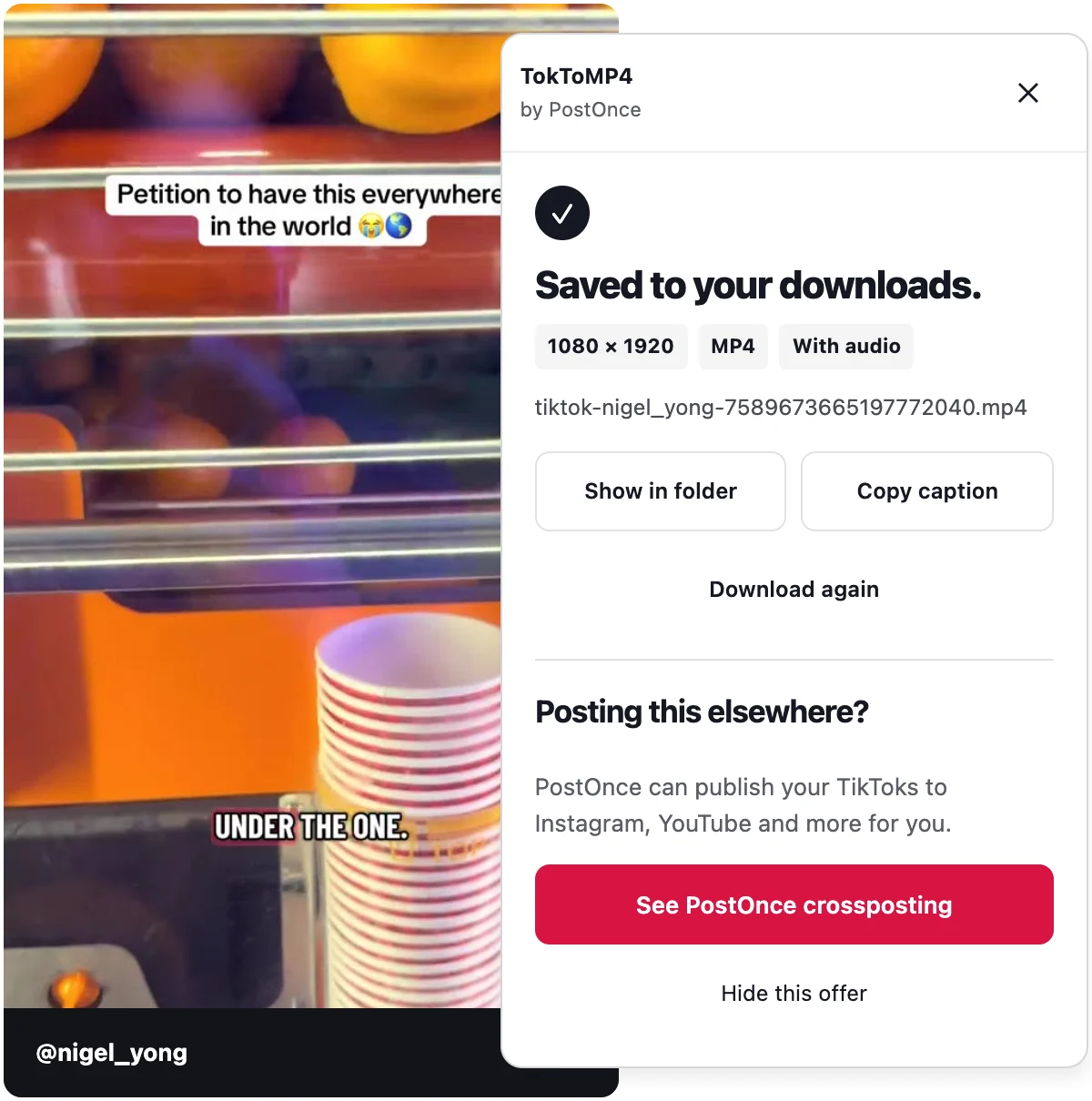
- Every slide is saved and numbered. The panel shows "Saved to your downloads." when it is done.
The extension has no daily limit. It saves the images only, so if you want the soundtrack, use the web tool on this page.
Saving the soundtrack
The web tool returns the slideshow's soundtrack as an audio file. That is useful if you want to rebuild the slideshow in a video editor, keep a sound you liked, or present the slides with their original audio.
If you only need the pictures, the extension is the simpler route on a computer. If you need the sound, paste the link here.
Slideshows vs photo posts
Every TikTok slideshow is made of photos, so there is overlap with photo posts. The difference is how you plan to use them. If you just want a few images, the TikTok photo downloader page covers that. If you want the complete slideshow as the creator made it, in order and with sound, this page is the one.
For ordinary TikTok videos, the TokToMP4 home page saves them as MP4 with sound, up to 1080p when TikTok serves it.
What is not supported
- TikTok Stories
- LIVE videos
- Whole profiles, or many posts at once
- Private posts you cannot open yourself
Troubleshooting
I got the images but no sound
The extension saves images only. Paste the link into the web tool on this page to get the soundtrack as an audio file.
TikTok shows a human check
Complete the check on TikTok yourself, then press Try again in the extension. It never solves or skips these checks.
The slideshow was removed or is private
You will see a clear message. If you cannot open the post, there is nothing to save.
I reached the daily limit
The web tool's limit resets daily. The extension has no limit.
Privacy and responsible use
TokToMP4 is free, needs no account and does no usage tracking. The web tool fetches files from TikTok's own servers, and we do not keep copies. Extension downloads stay on your computer.
Only download slideshows you own or have permission to reuse.
TokToMP4 is made by PostOnce and is not affiliated with TikTok or ByteDance.